
Can I keep my WhatsApp and phone number with a travel eSIM?
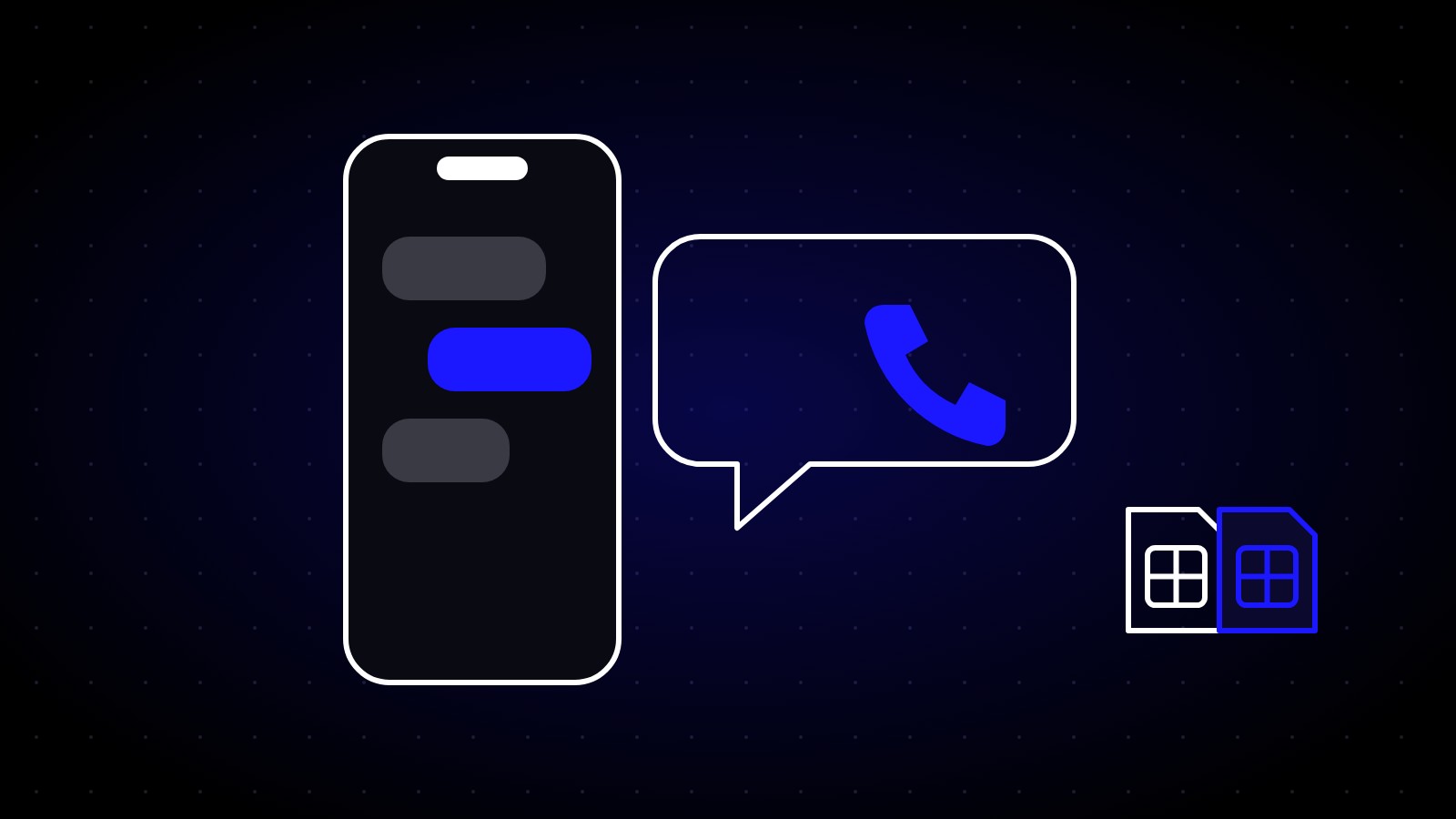
A lot of travellers worry that using a travel eSIM means losing their number, or that WhatsApp will stop working. Good news: neither is true.
Your number stays the same
A travel eSIM is added to your phone. It doesn't replace your home SIM. Your phone simply uses two lines:
- Home SIM: your normal number, for calls and SMS.
- SimOrbit eSIM: mobile data while you travel.
Your number doesn't change, and you can switch back any time.
WhatsApp keeps working
WhatsApp is linked to your phone number, not to whichever SIM provides data. When you use a travel eSIM for data, WhatsApp keeps working exactly as before: same number, same chats, same contacts. There's no need to verify again.
The same goes for iMessage, FaceTime, Telegram, Signal and most other messaging apps.
Receiving calls and bank codes
If you keep your home SIM switched on, you can still receive normal calls and SMS, including one-time codes from your bank.
A few things to know:
- Incoming calls and SMS abroad may be charged by your home network, depending on your plan. Check with them before you go.
- To avoid surprises, keep data roaming off on your home SIM. You'll still get texts, but no expensive data.
- Many people turn their home line to SMS only, or just keep it on to receive bank codes.
Making calls abroad
Most travel eSIMs, including SimOrbit plans, are data-only. That means no local phone number. Use internet calls instead:
- WhatsApp voice and video calls
- FaceTime audio and video
- Any other app-based calling
These use your eSIM data and cost nothing extra.
The best setup for most travellers
- Home SIM on, data roaming off: for calls, SMS and bank codes.
- SimOrbit eSIM for mobile data, with roaming on.
- Use WhatsApp or FaceTime for calls.